Free browser tool
Palworld server RAM calculator
Most RAM calculators ask how many players you have. That's the wrong question: Palworld keeps bases running when nobody is online — structures stay, stationed Pals keep working, production keeps going — so the same eight players can use several times more memory in month three than in week one. This one asks what's in the world, and uses your player count for the other question: which Palworld server plan fits if you'd rather not run the machine at all.
Start from a shape
What's in the world
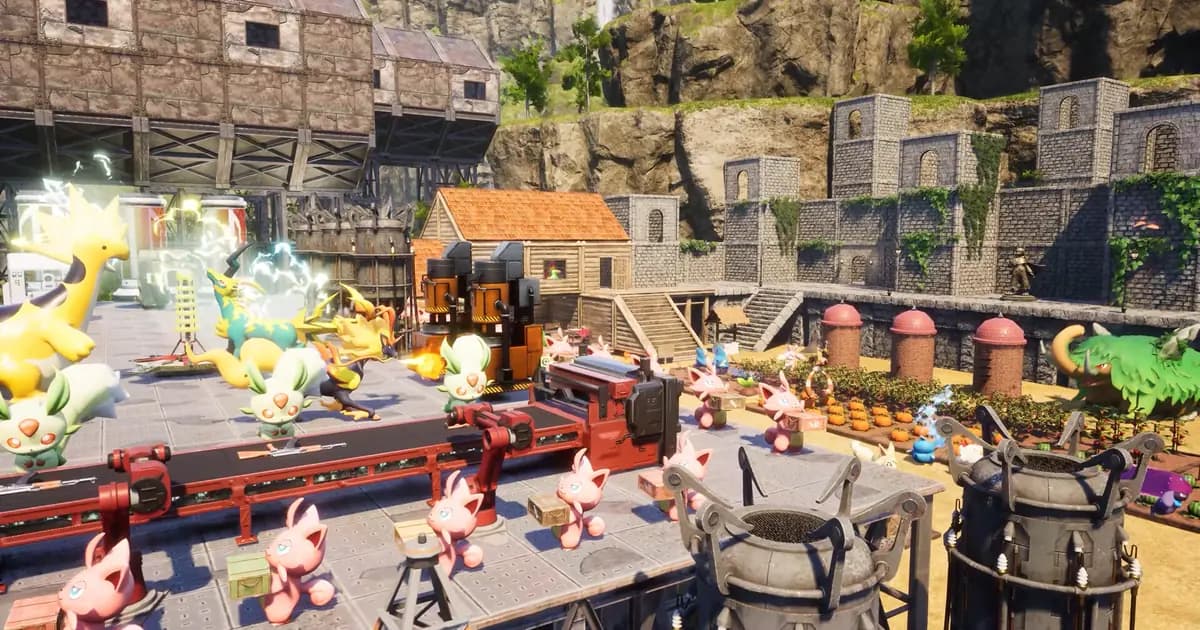
Memory tracks what has been built, not how many people are online. Bases keep running after everyone logs off — structures stay, stationed Pals keep working, production keeps producing, all simulated in server memory.
Drag it: going from 4 to 32 adds less than a few extra bases do. That's why a RAM-per-player table is the wrong tool.
Across all guilds. This is the number that moves the answer most.
Some automation — production lines running most of the time.
Mods add to steady-state usage, not to the leak.
The engine leaks, so usage climbs with uptime no matter how big the world is. A restart is what clears it.
Common questions
- How much RAM does a Palworld server need?
- The official dedicated server requirements list 16 GB as the minimum and recommend 32 GB or more. Where a particular world actually lands depends far more on what has been built in it than on how many people play, and it keeps climbing until a restart clears it.
- Why doesn't the player count change the answer?
- Because bases run whether or not anyone is online. A player logs off and their structures remain, their stationed Pals keep working, their production lines keep producing — all simulated in server memory. Players online add to it, but what has been built dominates.
- Usage climbs the longer the server is up. Will more RAM fix that?
- No. That's the engine's known leak, and more memory only delays the moment it runs out. A scheduled restart is what clears it — that's a separate problem from sizing, and it's why the switch above changes the answer.
- What if I don't want to size a machine at all?
- Then you pick by how many people play at once and let the memory be someone else's problem. On our servers the machine is yours alone and the daily restart is a switch in the Console rather than a script you maintain.
More Palworld tools
View allSettings generator
Build a complete PalWorldSettings.ini, or import the one you already have.
Save converter
Move a co-op world to a dedicated server, or bring it back.
Breeding calculator
Every pairing for all 297 Pals, forwards and backwards.
Team builder
Element coverage and gaps for your party of five.
Work suitability chart
The best Pals for all twelve base jobs, ranked.
Passive skills list
All 115 passives with their effects and ranks, searchable.
Type chart
All nine elements and how they counter each other.
Related guides
Palworld Server Memory Leak: Why RAM Climbs
Palworld servers leak memory until they crash, and more RAM only delays it. The fix is a scheduled restart: how often, and a script that keeps the save.

Palworld Dedicated Server Setup Guide: Linux and Windows
Set up a Palworld dedicated server on Linux or Windows: hardware, SteamCMD, ports, PalWorldSettings.ini, saves, updates and the daily restart.

Palworld Server Settings: Every PalWorldSettings.ini Option
Every PalWorldSettings.ini option explained: EXP rate, base limits, PvP, death penalty, crossplay, the admin API, and what to set first.